Malone elementary students,
welcome to your Hour of Code!
|

|
Ok, what's the Hour of Code?
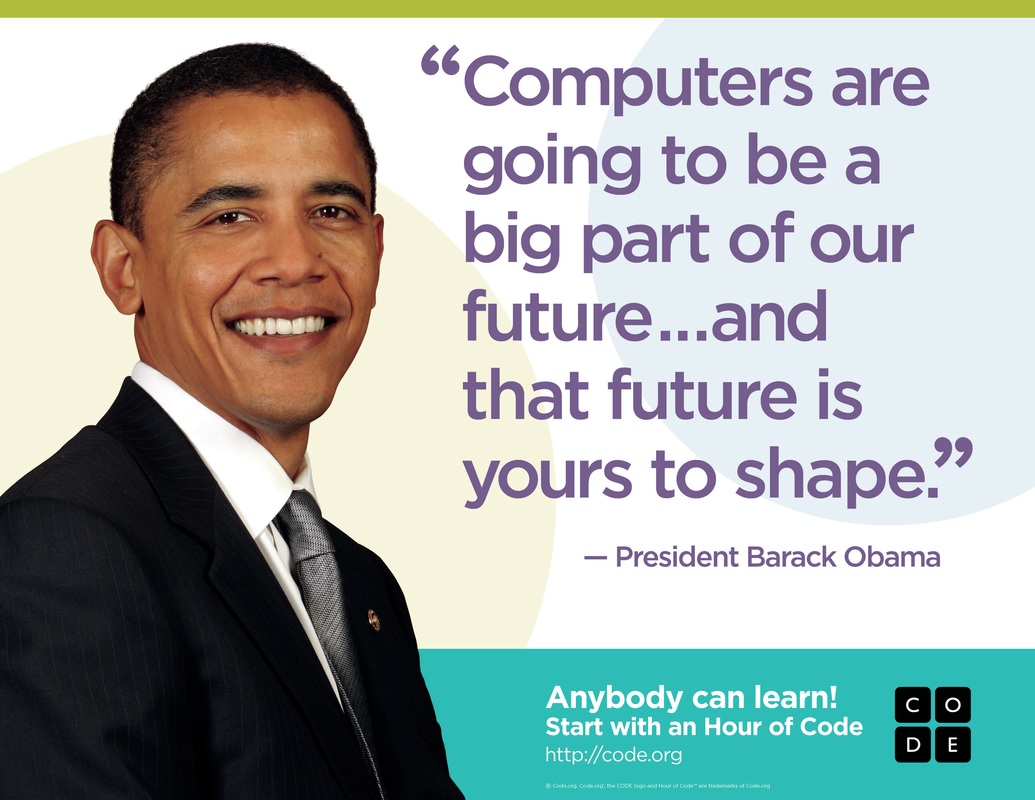
Coding is using a special language to tell a computer what to do. Everything you do using a computer, from playing a game on an iPad, to texting a friend on your phone, to being able to read this page is possible because someone wrote the code for it.
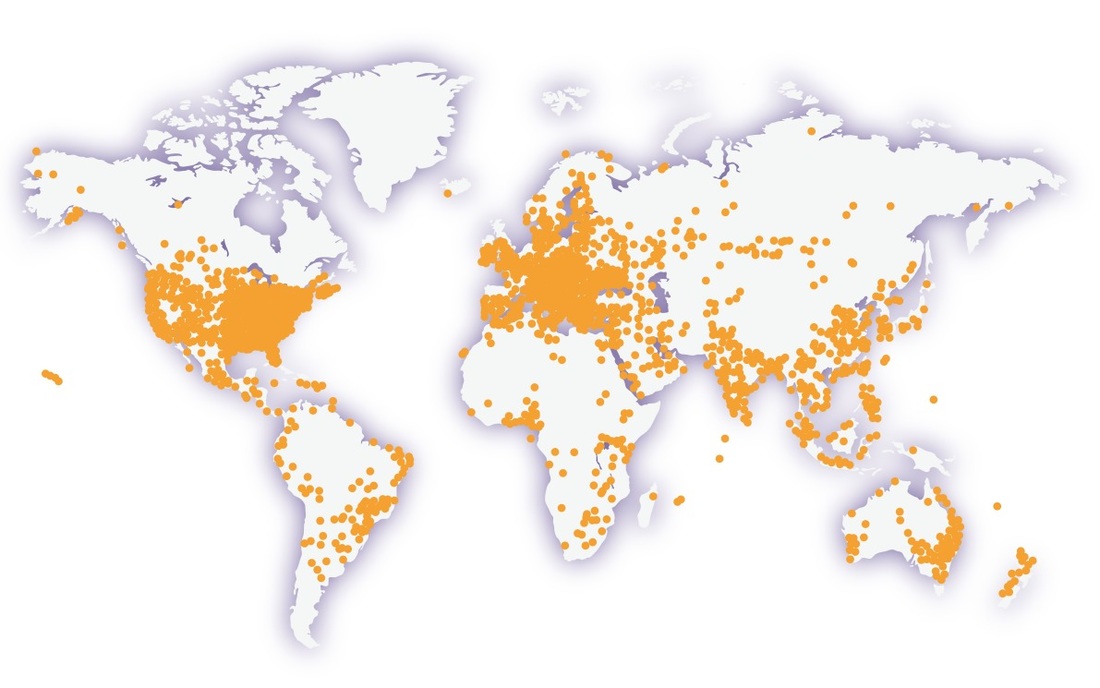
The Hour of Code is an international event. Right now, as you are learning how to code, thousands of other students around the world are learning too!
What we want you to see today is that you can write this code too! In fact, that is exactly what you will be doing. You will be using something called block code to see how code tells computers what to do.
Before we get started, take a look at these two short videos:
Coding is using a special language to tell a computer what to do. Everything you do using a computer, from playing a game on an iPad, to texting a friend on your phone, to being able to read this page is possible because someone wrote the code for it.
The Hour of Code is an international event. Right now, as you are learning how to code, thousands of other students around the world are learning too!
What we want you to see today is that you can write this code too! In fact, that is exactly what you will be doing. You will be using something called block code to see how code tells computers what to do.
Before we get started, take a look at these two short videos:
|
|
|
Enough talk! Let's code!
Below are a set of tutorials (lessons) that you can choose from that will each teach you the basics of coding. Pick your tutorial based on what looks interesting and fun to you. Click on its picture to get started.
Below are a set of tutorials (lessons) that you can choose from that will each teach you the basics of coding. Pick your tutorial based on what looks interesting and fun to you. Click on its picture to get started.
|
CodeSpark Academy with the Foos
Use drag and drop block coding to help the characters make it through a story. No reading is necessary. Pre-Readers |
|
Kodable
Use block programming to make Kodable move through different paths on the screen to reach a goal. Pre-Readers - Grade 5 |
|
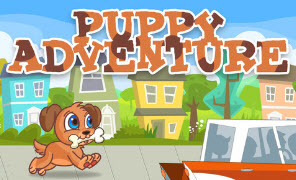
Puppy Adventure
Use block coding to help Pixel the puppy find his way home. Grades K-3 |
|
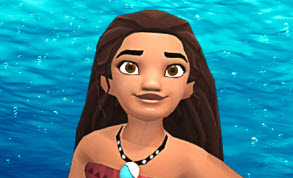
Moana: Wayfinding with Code
Help Moana sail with her people on the New Migrations using code. Grades 2+ |
|
Write Your First Computer Program
Work with Mark Zuckerberg, the guy who created Facebook, to use code and create your own Angry Birds game. Grades 2+ |
|
Play Lab
Create your own story or game using code in the Play Lab. Grades 2+ |
|
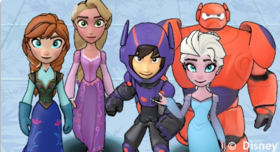
Infinity Play Lab
Use code to create your own story or game using Disney's Infinity characters. Grades 2-8 |
|
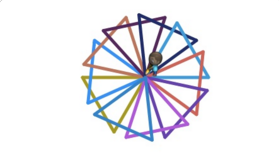
Artist
Learn how to use code to draw cool pictures and designs with the Artist. Grades 2+ |
|
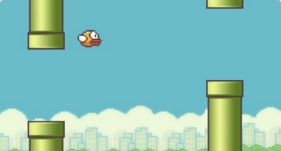
Make a Flappy Game
Code your own Flappy Bird, Shark, or Submarine game. Grades 2+ |
|
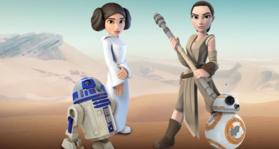
Star Wars: Building a Galaxy with Code
Learn to program droids, and use code to create your own Star Wars game. Grades 2+ |
|
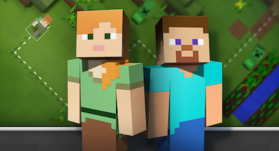
Minecraft Adventurer
Use code to take Steve or Alex on an adventure through the world of Minecraft. Grades 2+ |
|
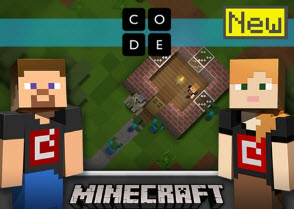
Minecraft Designer
Use code to program animals and other Minecraft creatures in your own version of Minecraft. Grades 2+ |
|
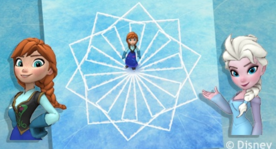
Code with Anna and Elsa
Learn the basics of coding as help Anna and Elsa create patterns as they skate. Grades 2+ |
That was great! Now what's next?
If you enjoyed your Hour of Code and want more practice, go ahead and try one of the other tutorials.
If you think you're ready to move on to bigger and better things check these out:
If you enjoyed your Hour of Code and want more practice, go ahead and try one of the other tutorials.
If you think you're ready to move on to bigger and better things check these out:
|
Tynker
This site has many games and activities. At the top of the page is a line with grades. Click on Grade K+ for Kindergarten, first, or second. Click on Grade 3+ for third, fourth, or fifth. If you think you've mastered the basics of coding, click on Grade 6+ to try out some more advanced coding. |

|
|
Scratch
This site lets you use block code to do all kinds of things. The "Getting Started" lesson takes you through how the site works, and is a good place to start because there are something things that are different than the tutorials above. For younger students, if you have an iPad or tablet you can use, there is a free Scratch Jr. app that you should check out. |
|
|
Computer Science Fundamentals Courses from Code.org
These are broken into smaller lessons like the tutorials above. But each of these courses can take up to 20 hours to complete. You don't have to do that all at one time though. Click on the picture to go to the course. |
|
Course 1
This covers the basics and is best for kids who are between 4 and 6 years old. If you're older, you can start with Course 2. |
|
|
Course 2
This course also covers the basic. If you're 6 or older, start here. |
|
|
Course 3
This is the next step after Course 2, and is intended for ages 8 and older. |
|